An AI-supported learning platform

Focus on teaching.
Lumina helps withthe rest

Launch a learning platform in your name. The assistant explains the admin tools and suggests content drafts, and you review them before anything is saved. Courses, students, exams, and payments stay the foundation.

An open book with the Lumina mark, representing a private learning platform

AI assistant

Stay in your teaching… leave the prep to your assistant

From the first idea to your course draft, Lumina walks with you step by step.

Shall we prepare your course together?

Illustrative example

Prepare a biology course for first secondary about the cell, in 3 lessons

Here is a proposed course outline. Review and edit it before saving.

The cell: the building unit of living things

Biology • First secondary • 3 lessons

Draft
  1. 1Introducing the cell
  2. 2Cell structure and functions
  3. 3Plant vs animal cells

Nothing is saved until you confirm.

Lumina book mascot beside the course draft

Ask… and learn the steps

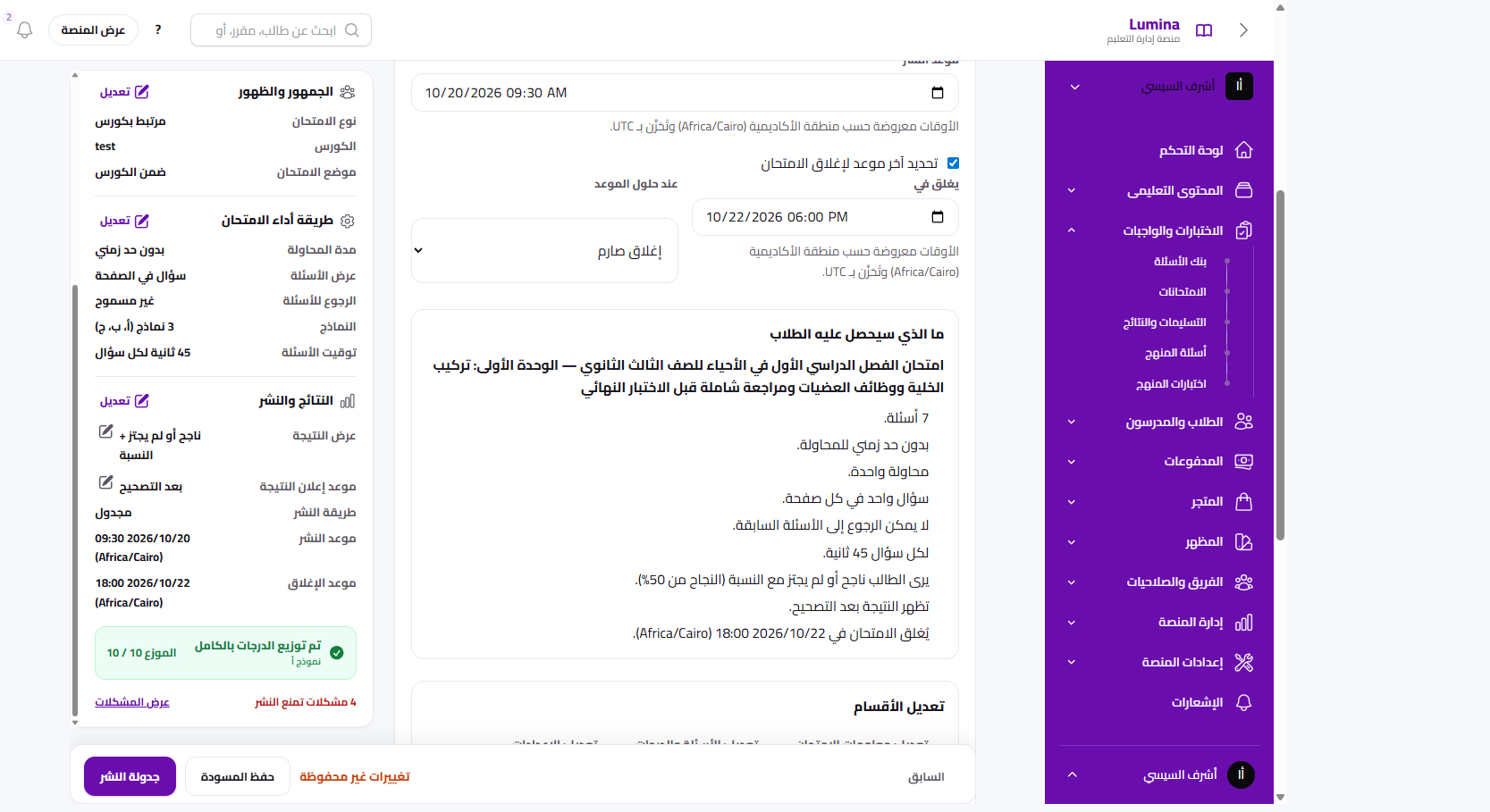
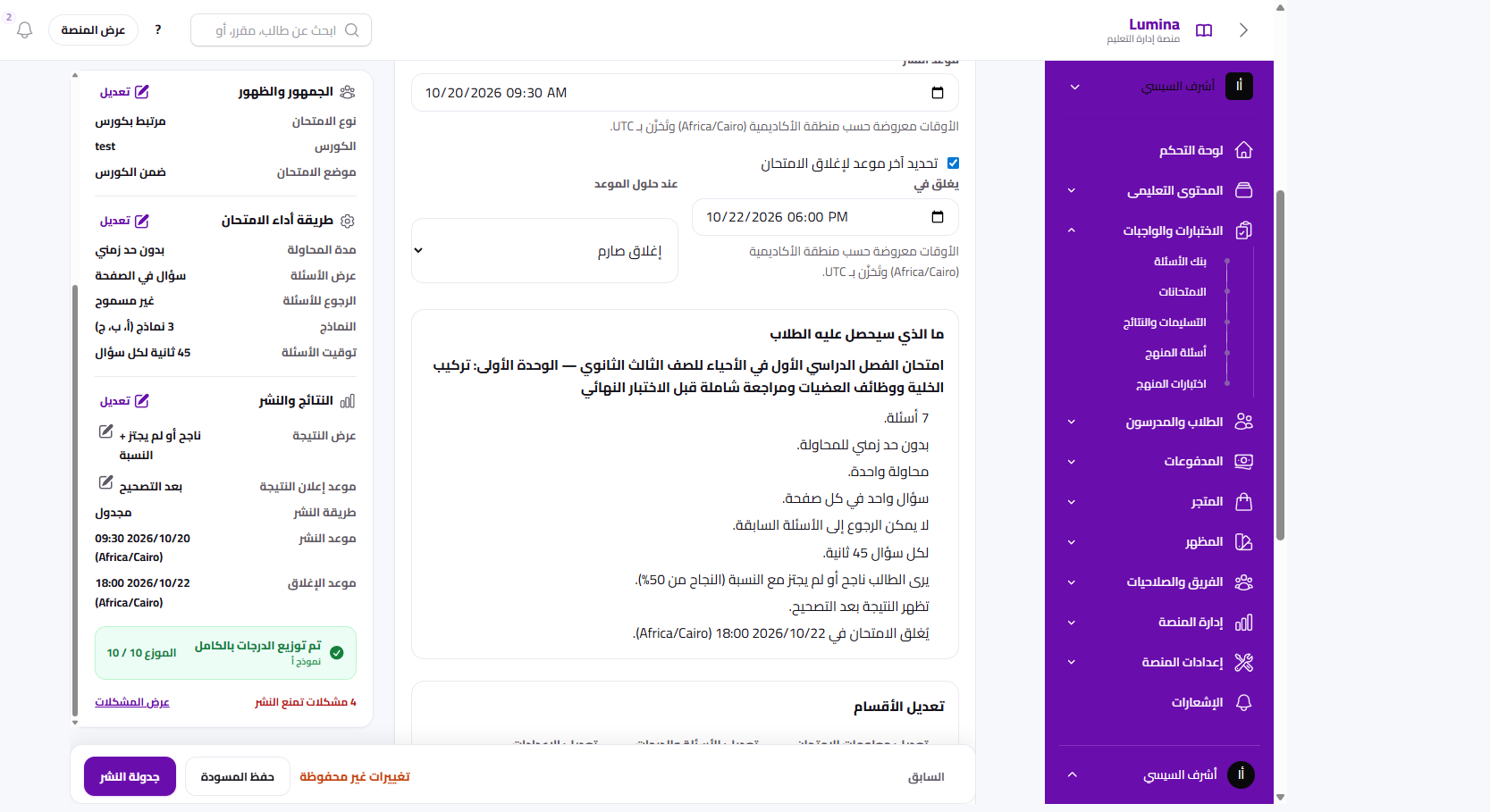
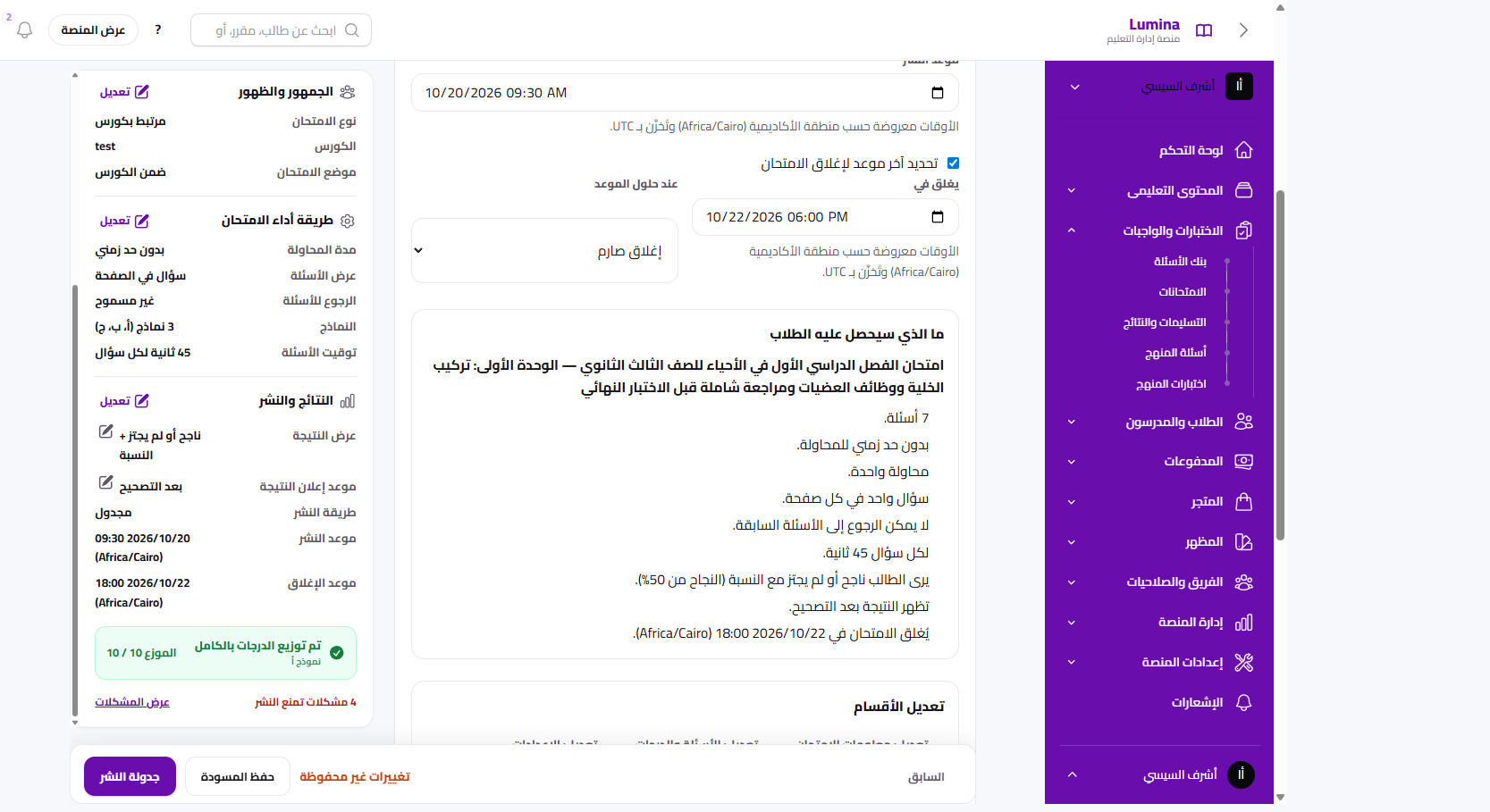
How do I schedule an exam?

In the exam builder, turn on scheduling, then set the start and end times.

Lumina lightbulb mascot beside scheduling guidance

Your platform numbers, right here

Illustrative data

How many students are enrolled in the biology course?

128 students

Lumina star mascot beside an illustrative chart

You stay in control. The assistant suggests; you review and confirm.

How to launch your own LMS

From choosing a plan to a branded platform, in four steps.

  1. Choose a plan in EGP

    Monthly or yearly plans that fit a teacher or an academy.

  2. Create your account and academy name

    A free lum.ac address, and you can attach your own domain later.

  3. Pay and we start setup

    Trusted payment methods, then we start creating the platform.

  4. The platform is ready for students

    We create the academy and send login details after payment is confirmed.

Product

Every LMS tool. One experience.

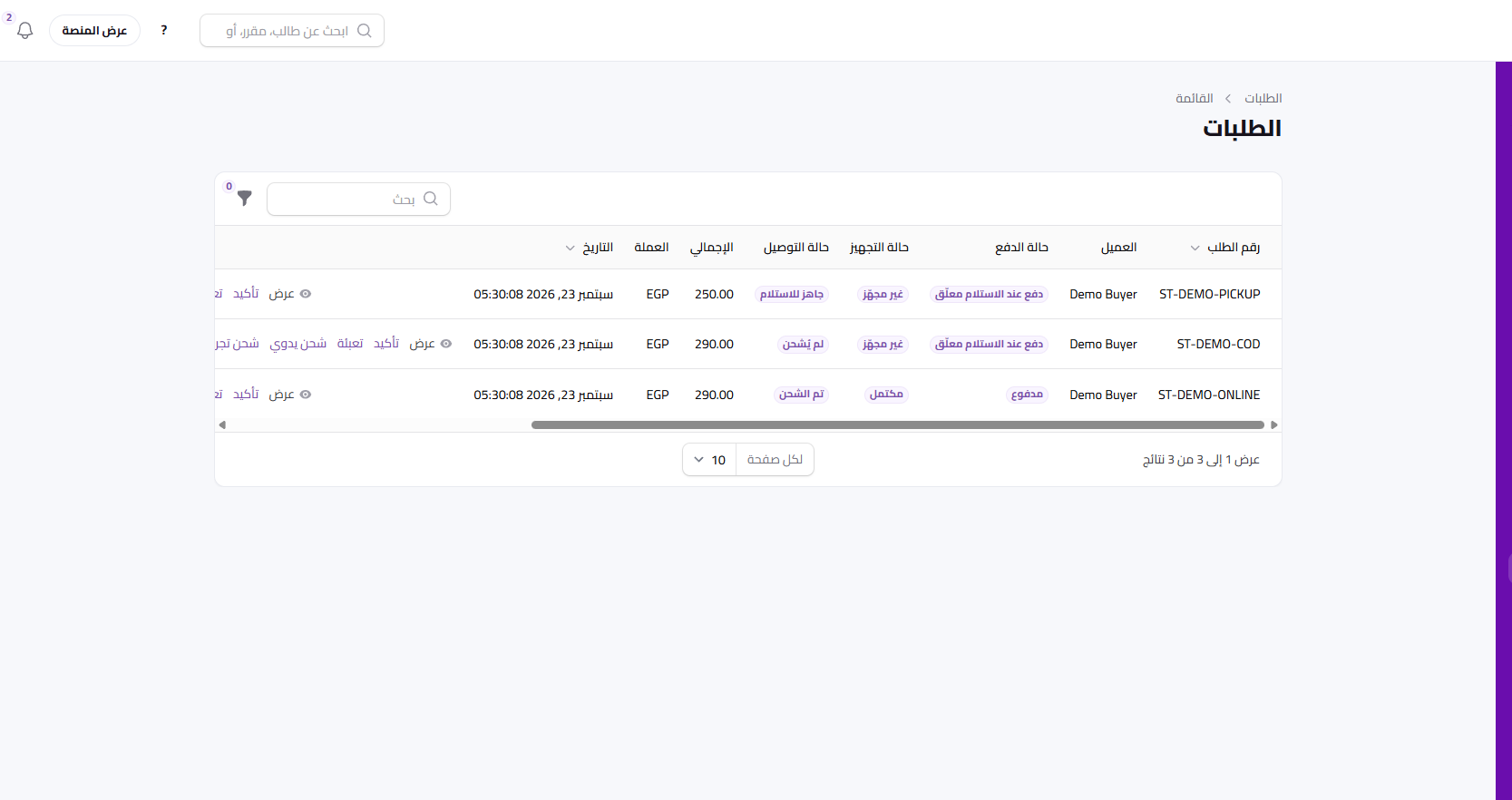
Content, students, an online exam platform, and course payments, from the academy admin.

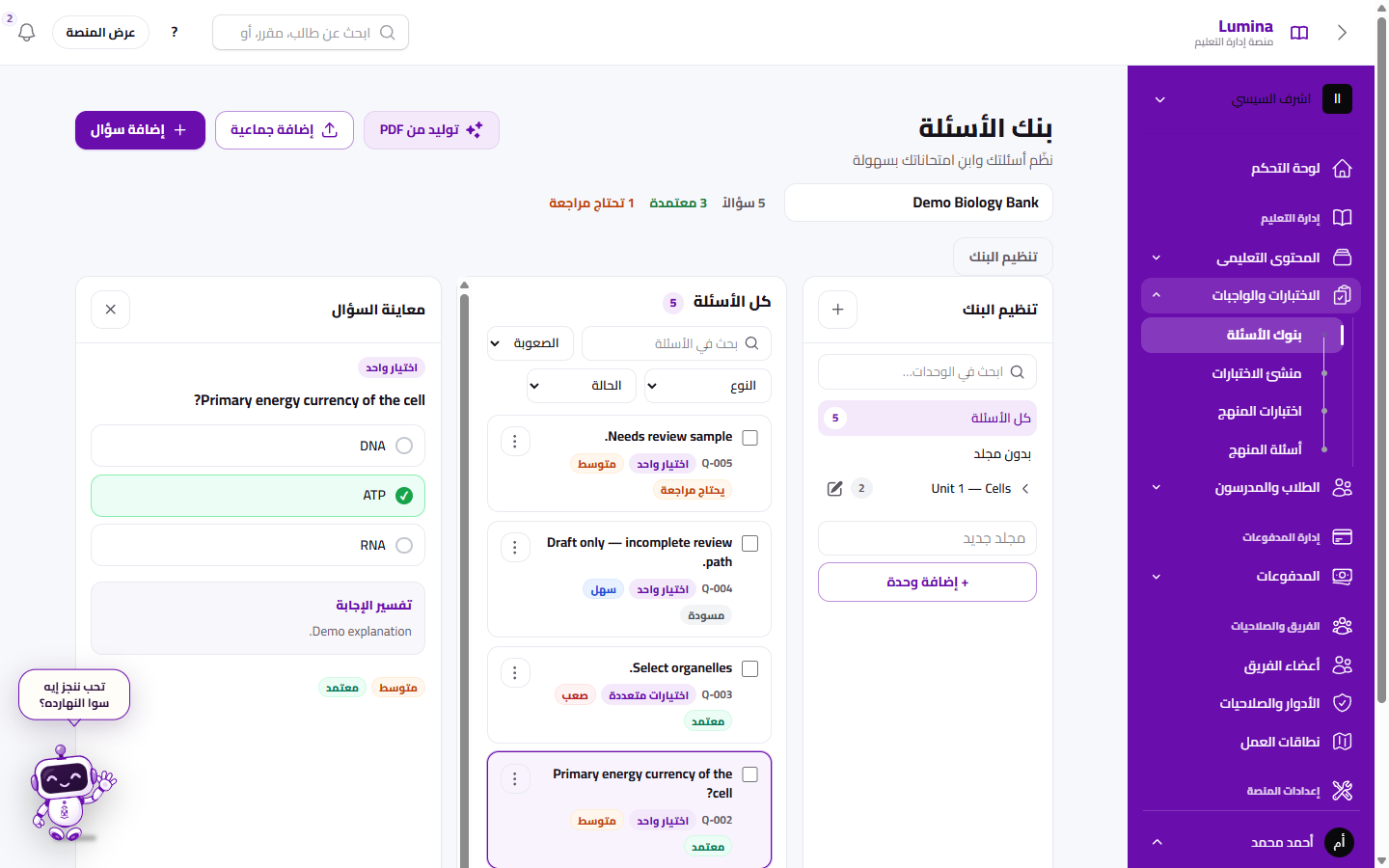
The question bank inside the Lumina LMS
The Lumina mascot presenting the private academy dashboard

Your courses and lessons on your platform

  • Courses
  • Lessons
  • Question bank

What an Arabic LMS uses every day

Your content in one place

Upload lessons, organize them into courses, and build exams from the question bank.

  • Courses
  • Lessons
  • Exams
  • Question bank

Follow your students

Review course enrollment and exam results from the academy admin.

We’ll help you start

This reaches the Lumina team. It is not a chat inside the product.

An LMS that fits how you teach

For teachers, centers, academies, schools, and trainers. This describes the experience. It does not assign a plan.

Create a learning platform for teachers, in your name

Run lessons, enrollment, and exams from one admin, instead of scattering students across WhatsApp.

  • Courses and lessons
  • Exams from the question bank
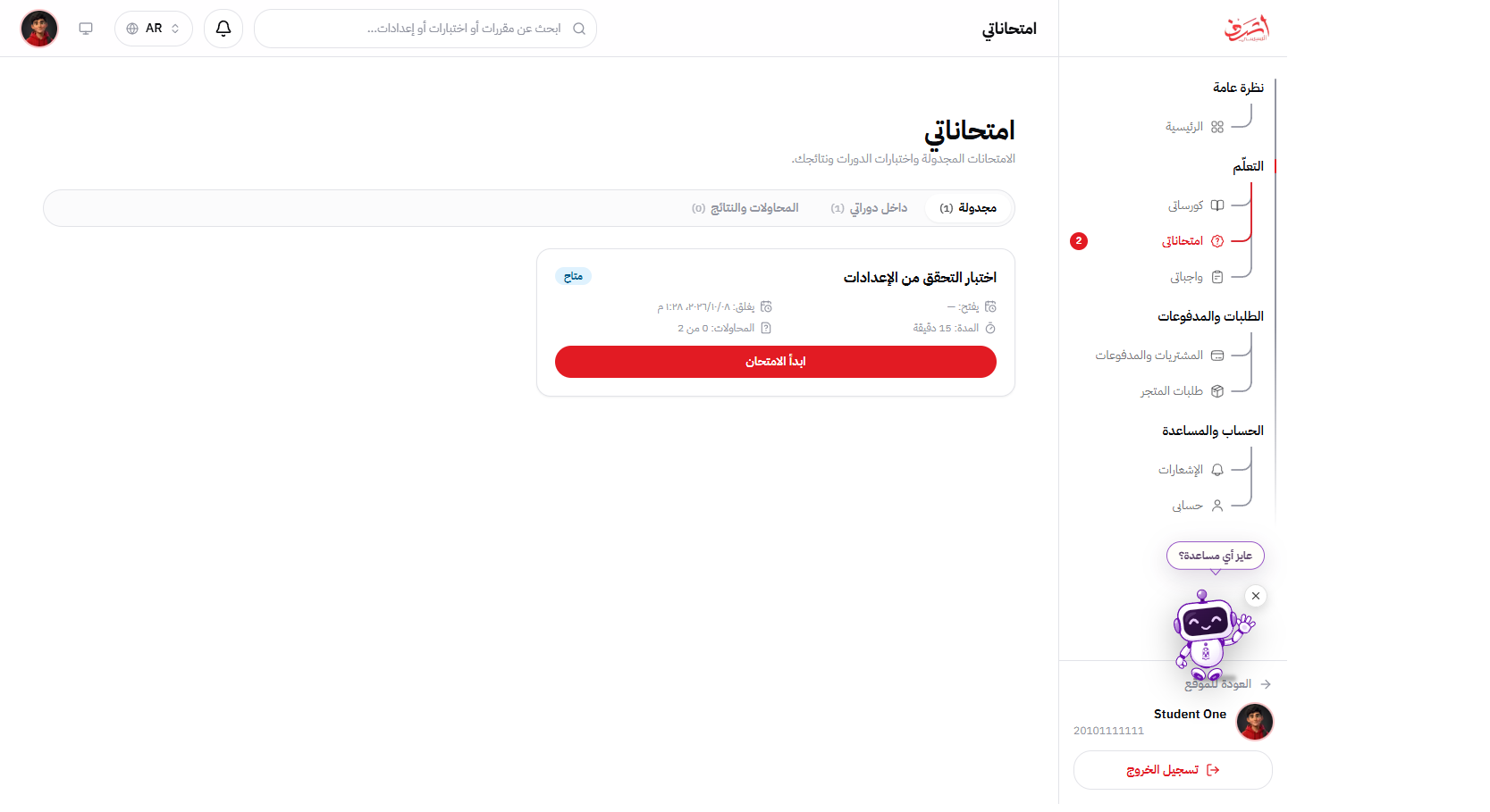
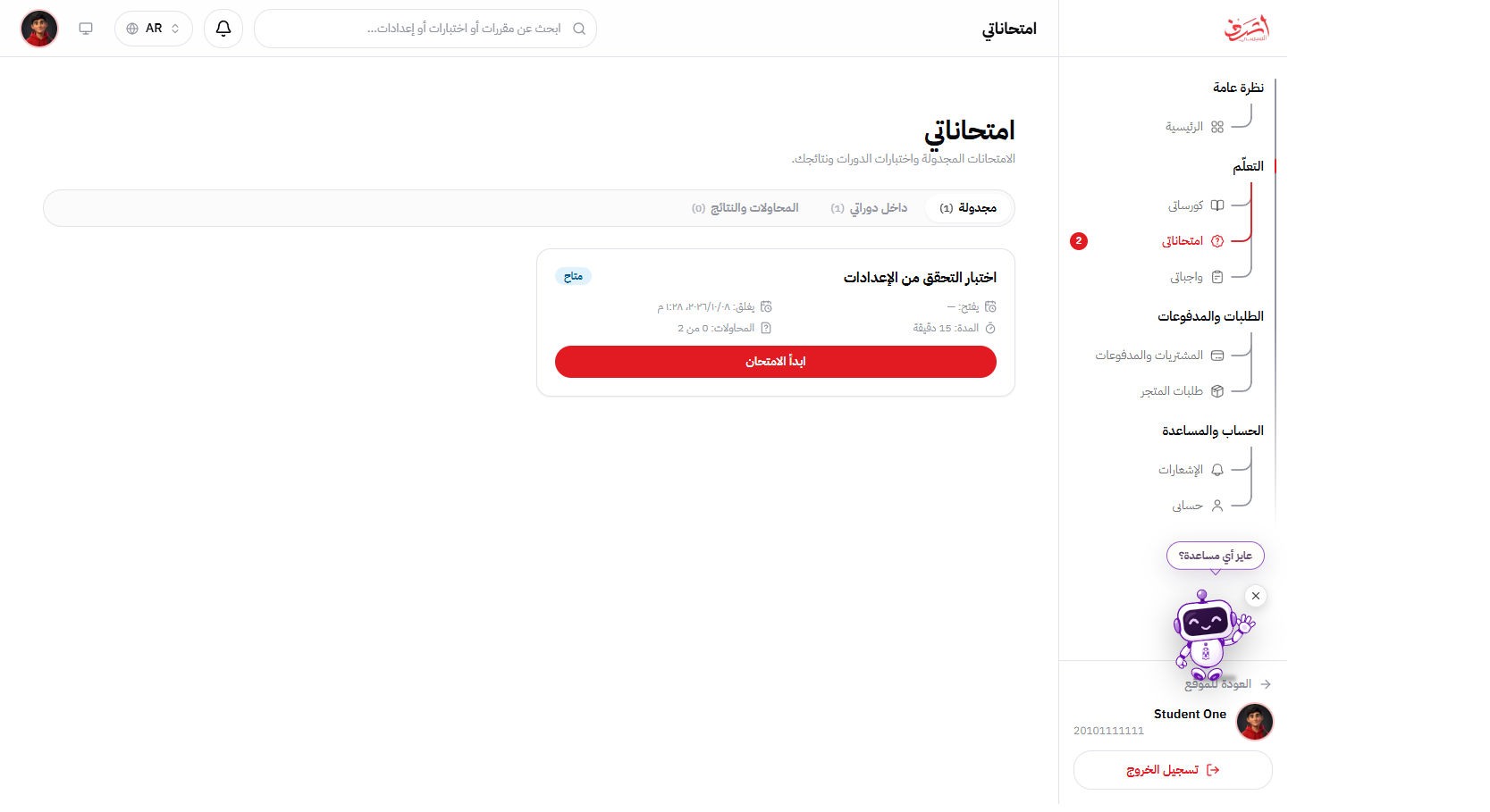
The student view of a teacher's private learning platform

Why a real LMS instead of WhatsApp and YouTube?

A factual comparison of Lumina, a manual stack, and a generic international LMS.

Why a real LMS instead of WhatsApp and YouTube?
NeedLuminaWhatsApp + YouTube + formsGeneric international LMS
Arabic RTLAdmin and student in ArabicDepends on the appOften a later translation
Own domainlum.ac or your domainGroup links and filesOften on a higher plan
Fawry and wallets in EGPInstant student collectionManual transfersMostly international cards
Question bank and examsFrom the bank to the resultSeparate formsAvailable, longer setup
Paid video lockPaid lesson lockLinks that get forwardedVaries by product
Support in Egypt and Saudi ArabiaArabic and English team on Egypt and Saudi Arabia timeNoneGlobal support on other hours
A teacher assistant in the adminExplains the tools and saves a draft after you confirmNoneVaries, and often outside the academy admin

Where Lumina works

Offices in Egypt and Saudi Arabia, serving the Middle East, North Africa, and the United States.

  • Egypt

    Fawry and mobile wallets, pricing in Egyptian pounds, and signup with Egyptian mobile numbers.

  • Saudi Arabia

    A company branch, with Arabic support for academies in Saudi Arabia.

  • Middle East and North Africa

    Arabic, right-to-left admin and student experience for academies across the region.

  • United States

    An English academy online. Lumina does not have an office in the United States.

Lumina monthly plans

Your learning platform… with integrated capabilities

Choose the plan that fits your academy. Prices in Egyptian pounds.

Enterprise

Enterprise

For institutions and centers that need custom limits and setup. We build the plan with you.

Custom pricing

  • Tailored limits and modules
  • Dedicated onboarding support
  • Talk with the Lumina team

Monthly subscription. Prices in Egyptian pounds. Video hosting and paid themes are billed separately.

Questions about launching your platform

The assistant, price, trial, Fawry, your domain, and video protection.

Where does Lumina operate?

Lumina is a learning platform for teachers and academies in the Middle East, North Africa, and the United States. The company operates from Egypt and Saudi Arabia. Support: +20 155 042 3447.

How much does the learning platform cost in EGP?

Plans are listed on the pricing section in Egyptian pounds, monthly or yearly. Pick what fits your courses and staff.

Is there a trial?

Some plans include trial days, shown in the comparison table. When a trial exists, it starts with account creation.

How do I pay for Lumina, and how do students pay me?

Your Lumina subscription is paid through the checkout methods we show. Student course payments use Fawry, wallets, and cards you enable, and go to the academy — separate from the Lumina subscription.

Is there a student limit?

Plan limits appear in the comparison: courses and staff are the published caps. Check the plan details before you buy instead of assuming a hidden student ceiling.

How do you reduce course video sharing?

A paid lesson opens only for an enrolled student with active access. That reduces public-link forwarding. It does not claim to stop every screen recording.

Does the platform work on mobile?

The academy admin and student experience open in a mobile browser. A separate student app is mentioned on the site when it is available.

Can I use my own domain?

Yes. Add the CNAME shown on your account page. Your email and other DNS records stay where they are.

Who owns the academy data?

Course content and student records belong to the academy. You can export what the admin offers, and we keep data to run the service under the privacy policy.

Can I move from another platform?

Yes. You upload lessons and questions yourself, or we arrange migration help during a demo. There is no one-click import from every platform.

What are the support hours?

Arabic and English support on WhatsApp and email during Egypt and Saudi Arabia business hours. Messages outside those hours get a reply the next business day.

What is the refund policy?

Refunds for the Lumina subscription are described on the refund policy page. Student course payments are handled by the academy.

When is the platform created, and how long does setup take?

After payment is confirmed we create the academy automatically. It usually takes less than a minute, then you get a lum.ac address and an admin login.

What does Lumina’s assistant do?

It helps a teacher inside the academy admin: it explains tool steps from the platform guide, suggests a course title, description, and outline, and saves a draft only after confirmation. It can also read data you are allowed to see. It does not publish content, collect payments, or tutor students. It is on plans that include the feature, and each user has a daily usage limit.

Lumina blog

Ideas to launch your platform and grow it

Practical tips to launch your platform, manage content, and improve the student experience.

All articles